Website-Designing
Website Redesign Checklist: What to Fix Before You Touch the Visuals
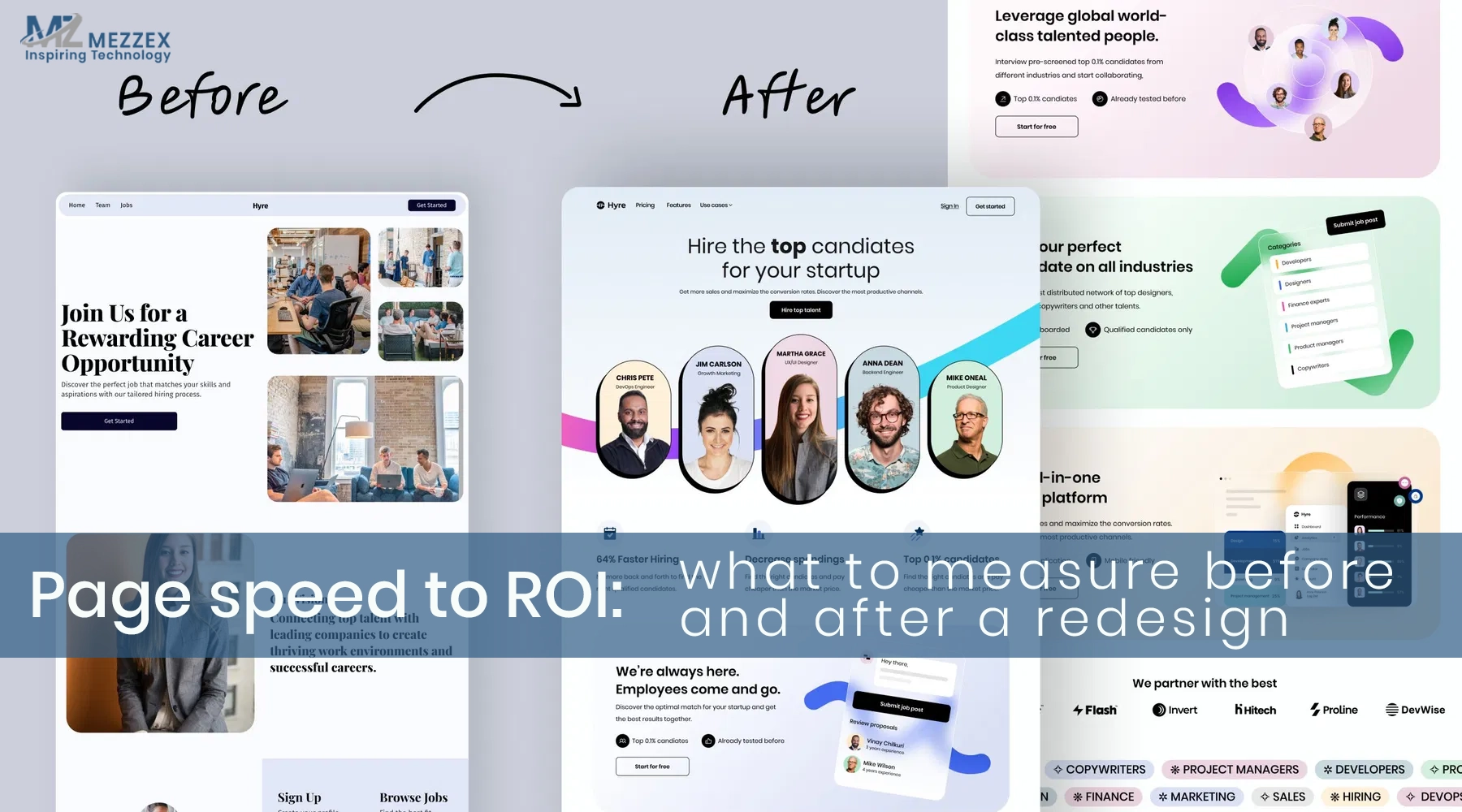
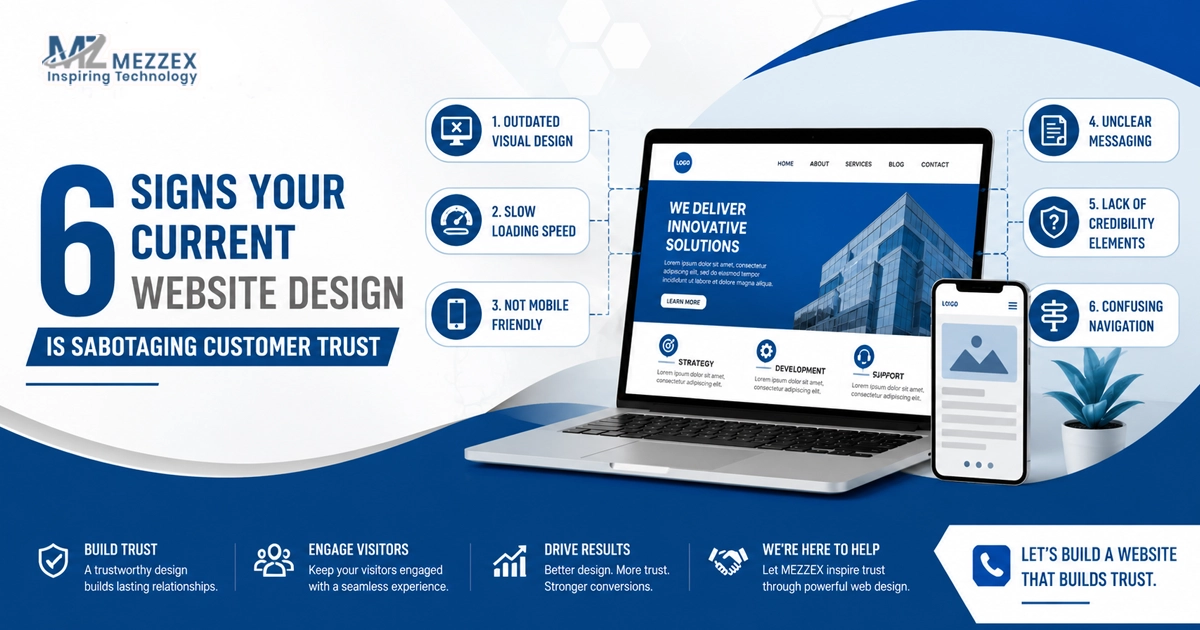
A redesign often starts with colours, fonts, and ‘make it modern.’ That move feels productive, but it creates rework because visuals sit on top of structure, content, SEO signals, and technical rules. When those foundations stay weak, a new layout launches and traffic drops, conversions stall, and rankings wobble. This website redesign checklist keeps the order right. You fix goals, content, journeys, SEO, and performance first. Then you design screens that support real tasks and real growth. If you want a build that stays SEO-friendly and secure, you treat the redesign like an engineering project, not a theme swap.
Set the goal and success rules
- Pick one primary outcome: Leads, sales, bookings, or self-service; write the single action that proves success (form submit, call click, checkout start, portal sign-in).
- Define the audience and the top task: Name the main user type (buyer, customer, partner, staff) and the one job they come to complete.
- Choose the pages that must win: List the top 3 pages that drive outcomes (service page, pricing, contact, category) and write the “win condition” for each (more enquiries, higher checkout completion, more booking starts).
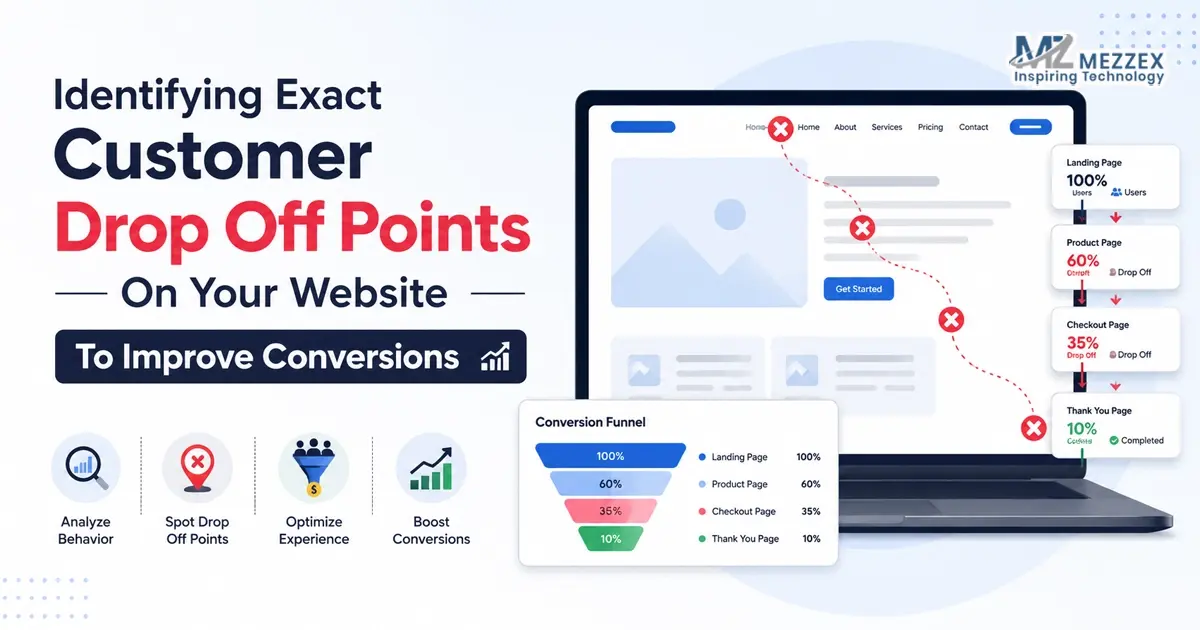
- Capture baseline numbers before you change anything: Record top 20 landing pages, top 20 pages by conversions, and the top 5 conversion paths; note current conversion rate per path and current form completion rate.
- Lock scope boundaries early: Write what changes (navigation, page templates, CMS, speed) and what stays (core offers, priority pages, key URL paths) so the project does not drift.
Audit pages and content before you redesign
- Build a page inventory you can act on: Create a sheet with URL, page purpose, organic value (traffic/links if available), conversion role, and action (keep, update, merge, remove, redirect).
- Identify “money pages” and protect them: Flag pages that drive enquiries or revenue, then keep them easy to find from navigation and internal links.
- Fix weak content first, not last: Rewrite unclear service value, remove vague claims, add proof, and tighten page intent before any visual work starts.
- Merge duplicates with intent, not opinion: When two pages answer the same query, combine them into one stronger page and redirect the weaker URL to the best match.
- Draft the new sitemap in plain language: Organise by user task (Find a service, See proof, Compare options, Contact) rather than internal departments.
Fix journeys and navigation (this is the redesign)
- Map the top journeys in three steps: Entry page → decision content → action; write the expected next click for each step.
- Reduce navigation to what users need: Keep top-level items focused; move secondary links to the footer so choices stay clear.
- Put proof where users decide: Add testimonials, case results, certifications, and process snapshots beside the CTA on key pages.
- Make the “next step” obvious on every page: Use one primary CTA per page type (Book a call, Request a quote, View packages, Start checkout) and keep the button label consistent.
- Rebuild forms for completion: Keep required fields to the minimum, add clear error messages, confirm email routing, and state what happens after submission (confirmation + next step).
Protect SEO before you touch URLs or layout
- Keep one topic per page: Assign a primary keyword theme to each key page and stop one service from spreading across multiple thin pages.
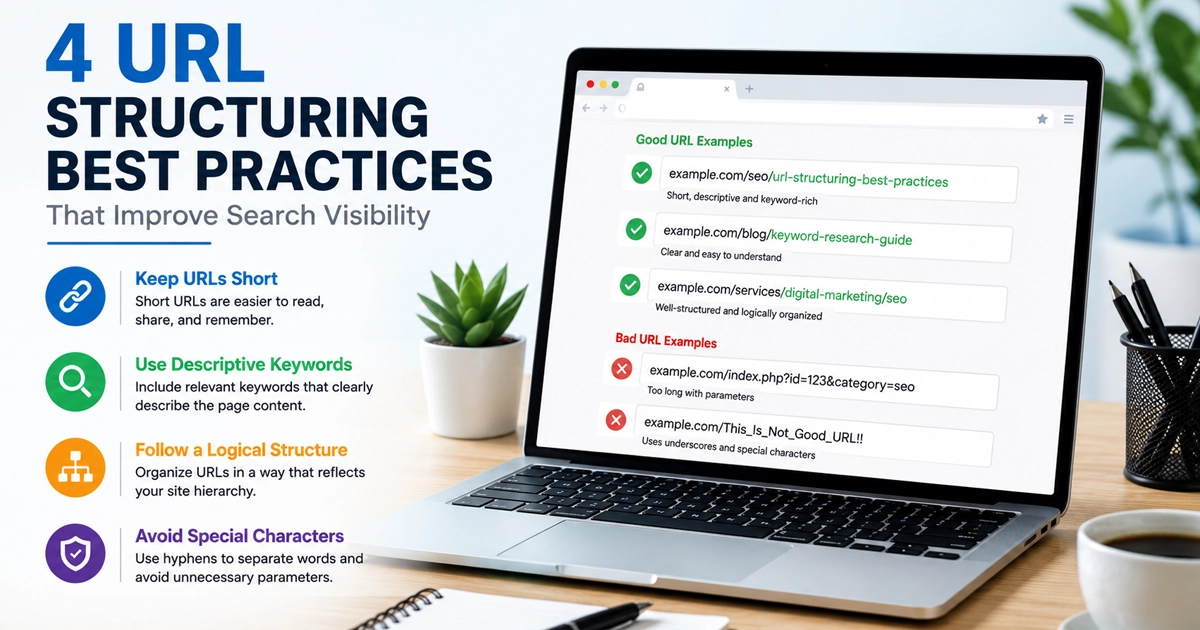
- Treat URL changes as the exception: Keep high-performing URLs stable; change only when structure improves clarity and you can justify the move.
- Create a redirect map that prevents traffic loss: Map every old URL to the closest new equivalent, avoid redirect chains, and test the map before launch.
- Preserve on-page relevance signals: Keep strong H1 alignment, keep the primary intent paragraph near the top, maintain internal links to priority pages, and keep FAQs only when they answer real objections.
- Plan index control deliberately: Confirm which pages stay indexable, which pages need noindex, and how the sitemap reflects the final structure.
Fix performance, mobile UX, and security foundations
- Set performance rules before design adds weight: Define image formats and sizes, reduce third-party scripts, and set a clear standard for page speed testing on mobile.
- Standardise responsive behaviour: Define breakpoints, spacing rules, and tap targets so key journeys work on small screens without friction.
- Secure the site as part of the redesign: Keep HTTPS, tighten CMS roles, protect forms from spam, and plan how updates and patches happen after launch.
- Check accessibility basics that affect conversion: Keep heading hierarchy clean, ensure contrast supports readability, and make key actions usable by keyboard.
Choose the platform and build approach early
- Decide who needs editing control: If marketing updates pages often, prioritise a CMS setup that supports fast publishing and consistent templates.
- Match build type to function, not preference: If the redesign includes logins, dashboards, roles, or workflows, treat it as a web app build plan, not “a new theme.”
- Plan e-commerce changes with caution: Protect product/category URLs and checkout flow first, then improve navigation and content around them.
- Define your integration list now: Payments, CRM, booking tools, analytics, and email routing need early decisions because they shape templates and tracking.
Build the UI system last (after foundations)
- Design from content modules, not trends: Create components that support real page needs (service sections, proof blocks, comparison areas, FAQs, contact blocks).
- Keep UI consistent across the site: Use a simple component library so buttons, forms, cards, and headings behave the same everywhere.
- Validate layouts against journeys: Test key pages with the journey map; if the next step is not obvious in five seconds, the design needs adjustment.
Pre-launch QA that prevents redesign regret
- Run a full staging crawl: Confirm no 404s on priority URLs, redirects behave as planned, and internal links point to final destinations.
- Check analytics and conversion tracking: Verify forms submit, call clicks track, and key events fire on desktop and mobile.
- Test real devices for key journeys: Run the top 3 paths on at least two phones and one desktop to catch layout breaks and slow screens.
- Use a go/no-go gate: Do not launch until the redirect map passes spot checks, priority pages load cleanly, and conversion actions work end-to-end.
Book a redesign checklist review
Use this website redesign checklist before you open a design file. Start with goals, page inventory, user journeys, SEO protection, and performance rules, then move into UI once the foundations hold. If you want a second set of eyes, book a redesign checklist review with Mezzex. Call us at +44 121 661 6357 to schedule a 15‑minute review, or email us at [email protected] with your current sitemap, your top landing pages, and any planned URL changes. You get a practical priority fix list that tells you what to correct before the visual phase starts, so the redesign improves results, not just the layout.