Website-Designing
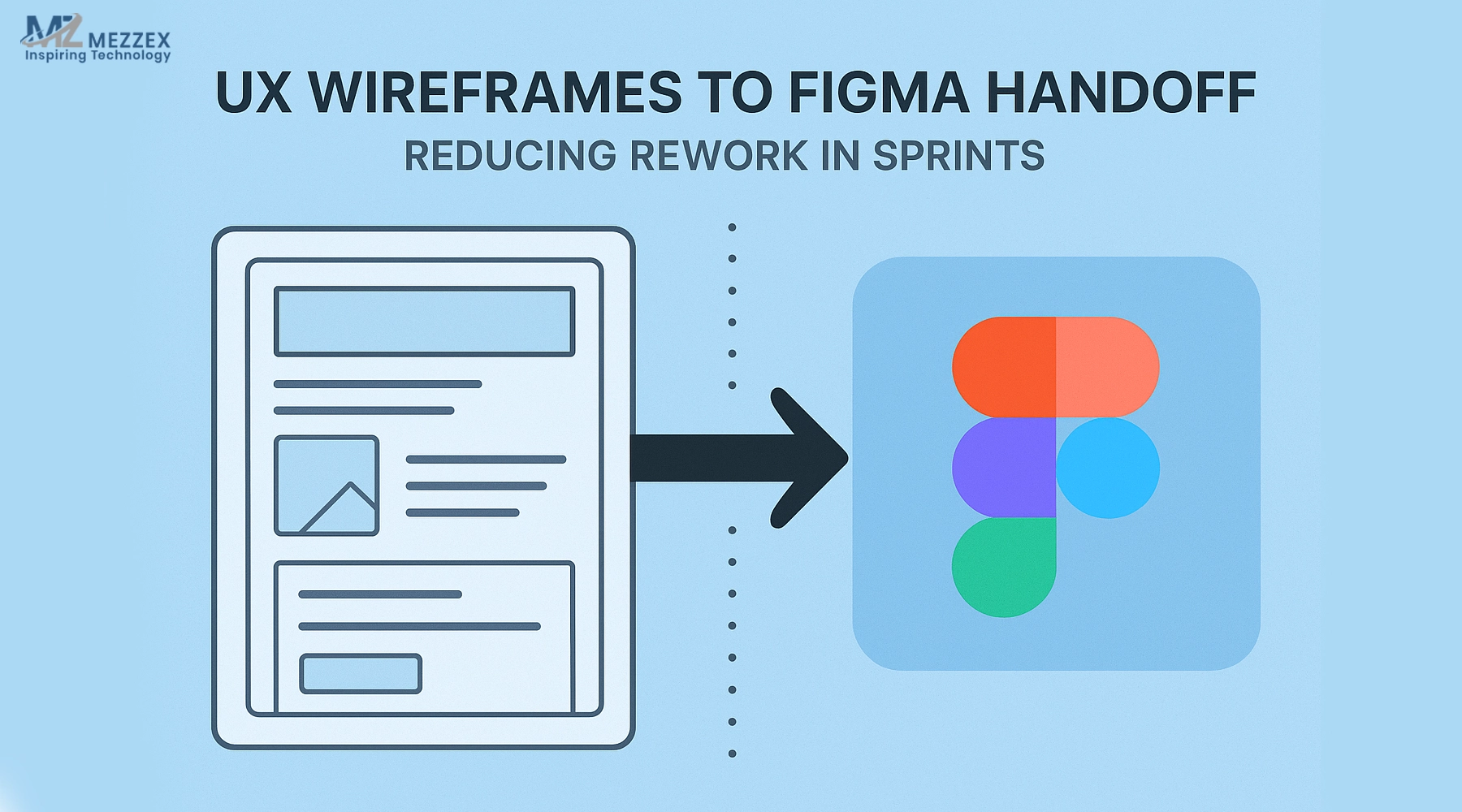
UX Wireframes to Figma Handoff: Reducing Rework in Sprints
Sprints move faster when UX wireframes are handed off to Figma without guesswork. Teams avoid rework, shorten reviews, and lock scope when files use clear names, shared tokens, and one checklist. Set the flow, states, and constraints early. Document components, variants, and interaction notes in the file, not in chat. Use auto layout and responsive rules so screens scale at each breakpoint. Export assets the same way each time and link specs to tickets. With a tight loop between design and development, the team ships with fewer changes and cleaner code. This guide shows the exact steps to keep momentum.
Define the wireframe scope before design starts
- Capture goals, users, and KPIs in one page; agree on what “done” means for this sprint.
- Freeze entry points, edge cases, and error paths so screens match real journeys.
- Use low‑fi for flows and mid‑fi for layout; delay polish until content holds.
- List non‑negotiables: accessibility targets, device breakpoints, tracked events, and key interactions.
- Assign owners for APIs, copy, data, and approvals; surface blockers before build.
- Timebox reviews and sets decision SLAs to protect sprint dates.
Standardise file setup and naming
- Organise work into discovery, UX, UI, and dev‑ready files; keep a clear cover and index.
- Apply Page > Flow > Screen > Variant > State naming; add ticket IDs for traceability.
- Name layers like Button/Primary/Default; mirror component, variant, and state names.
- Keep a components page with props and usage notes; link to code where possible.
- Map styles to design tokens (colour, spacing, type); remove ad‑hoc local styles.
- Lock “Ready for Dev” frames so the UX wireframes to Figma handoff stays stable.
Design system and tokens: align early
- Import the system library or define minimal tokens for colour, spacing, type, radius, and elevation.
- Match typography scale and spacing to CSS variables; avoid custom local rules.
- Convert repeats into components; stop copy‑paste fragments that fork styling.
- Document states (hover, focus, disabled, error) and size ramps; add usage notes.
- Add accessibility notes: contrast ratios, focus outlines, hit‑area sizes, ARIA hints.
- Version components and tag release notes when changes affect in‑progress tickets.
Auto layout, constraints, and responsive rules
- Apply auto layout to lists and containers; set padding, gaps, and alignment to match code.
- Add constraints for mobile, tablet, and desktop; show reflow at each breakpoint.
- Include wrappers and max‑widths; define truncation and wrap rules for text.
- Show long labels, error messages, and missing images to prevent dev guesses.
- Mark dynamic areas (API lists, pagination, skeleton states) with example data.
- Use grids per breakpoint; note when layouts switch from rows to columns.
Prototype flows with interaction notes
- Link primary flows; label entry and exit points for QA and stakeholders.
- Annotate motion: duration, easing, and direction for transitions and micro‑states.
- Include loading, empty, error, and success states with exact copy and retry logic.
- Map keyboard paths and tab order; flag focus traps in forms and dialogues.
- Place analytics events with names and parameters where actions fire.
- Record form rules: required fields, masks, patterns, and validation triggers.
Asset export and spec consistency
- Export once with consistent 1x/2x/SVG rules; match asset names to code components.
- Keep text live and styles mapped to tokens; avoid outlines that break theming.
- Document icon grid, stroke widths, and radii; align to the icon library.
- Provide image aspect ratios, compression targets, and fallbacks for missing media.
- Use Inspect for spacing, sizes, and tokens; verify values match the design system.
- Bundle one assets.zip per sprint with a manifest, so devs fetch files fast.
Developer handoff checklist
- Add a top “READ ME” frame with scope, owners, deadlines, links to tickets and docs.
- Keep a “DEV NOTES” page for Q&A; log final decisions next to affected frames.
- Tag frames “Ready for Dev” → “In Dev” → “Done”; mirror status inside tickets.
- Link API specs, content docs, and acceptance criteria at the frame level.
- Flag performance risks early: heavy lists, large images, animations, third‑party scripts.
- Include a developer handoff checklist so new contributors follow the same steps.
Feedback loops that reduce rework in sprints
- Hold a 15‑minute daily design‑dev sync; clear blockers before code drifts.
- Put changes in tickets with frame links and diffs; avoid chat‑only decisions.
- Validate with real content before sign‑off; avoid lorem where labels drive layout.
- Share a clickable prototype with QA mapped to acceptance criteria.
- Capture sprint learnings; update templates and the checklist to cut repeat issues.
- Use one sentence to anchor the keyword naturally: measure and iterate to reduce rework in sprints, not after release.
Measure impact across sprints
- Track design‑to‑dev questions per ticket; aim to lower the count each sprint.
- Measure rework time as a percentage of build hours; set a reduction target.
- Count review cycles per flow; fewer cycles signal clearer specs.
- Monitor PR comments on UI mismatches; fix upstream with tokens or rules.
- Report cycle time from “Ready” to “Done” and attribute gains to handoff steps.
- Log blocked tickets by cause (copy, API, component, asset) and fix templates.
Common pitfalls and how to avoid them
- Unnamed layers and local styles: standardise names and map to tokens before handoff.
- Missing states: include error, empty, and loading for every interactive module.
- Chat‑only decisions: copy final answers into the file so history survives turnover.
- Asset mismatches: export once, version the pack, and lock assets.
- Last‑minute scope changes: record change control and move new work to the next sprint.
- Early polish: hold high‑fi until flows, content, and tokens stabilise.
Get In Touch With Us
Ready to tighten your UX wireframes to Figma handoff and cut rework in sprints? Book a short discovery call to review file setup, design tokens, variants, and developer‑ready specs. Email us at [email protected] or call +44 121-6616357 to speak with our representatives. Prefer a form? Visit our contact page to request a call‑back. Project types: product MVPs, web rebuilds, app UX, design‑system rollout, and CI/CD alignment. Bring your current files and sprint metrics; leave with a clear checklist, a lighter review cycle, and a timeline for change. One partner, one playbook—predictable sprints and cleaner releases.