Software-Development
AI Code Assistants for Faster .NET Software Development Workflows: What CTOs and Founders Need to Know
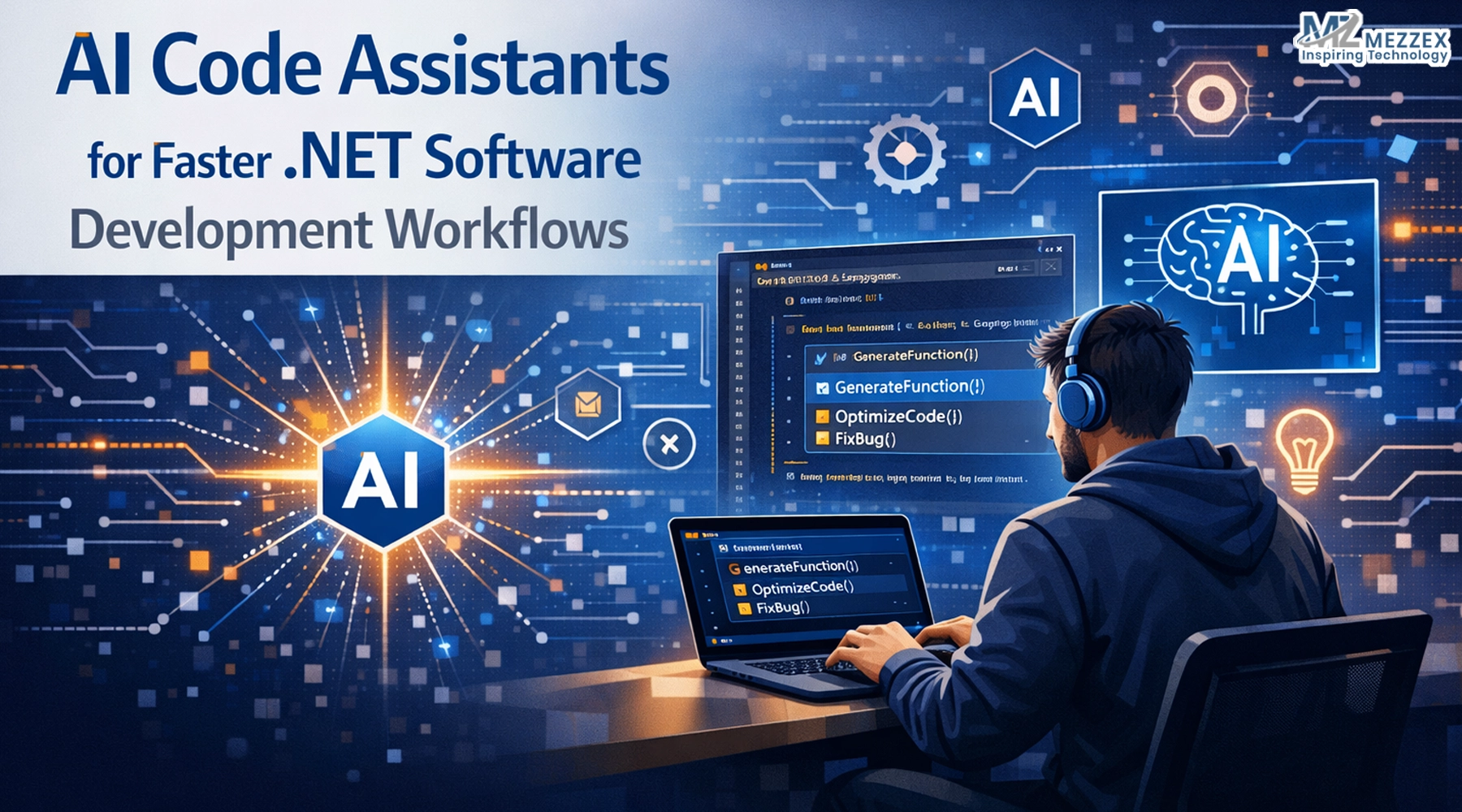
AI code assistants are changing how .NET teams write, review, and ship software. They sit inside tools your developers already use—like Visual Studio and VS Code—and help with code suggestions, refactors, tests, and explanations. Used well, they speed up routine work and reduce friction in large codebases. Used poorly, they create subtle bugs, inconsistent styles, and false confidence. This guide focuses on what matters to decision‑makers: where AI code assistants genuinely accelerate .NET delivery, what risks you must control, and how a partner like Mezzex can use them inside a disciplined custom software process.
What AI code assistants actually do in .NET
Generate code in context
Assistants can complete lines, methods, or whole blocks based on the current file and surrounding project context. For .NET teams, that often means faster scaffolding of controllers, request/response CTOs, dependency injection wiring, and repetitive patterns like logging or error handling. Developers stay in flow instead of jumping to documentation for every API call.
Explain and navigate existing code
In large .NET solutions, new and existing team members can ask, in natural language, “What does this class do?” “Where is this service used?”, or “How does this API endpoint build its response?” The assistant surfaces relevant files and explains relationships, which shortens onboarding and reduces reliance on a few “codebase experts”.
Support “fix and refine” loops
When tests fail or build errors appear, AI can propose likely fixes, explain error messages, and suggest refactors. Developers still choose the correct approach, but they spend less time on rote translation from error text to code changes.
Enhance editor completions
AI-driven completions can suggest whole lines or ranked IntelliSense options that reflect common patterns in .NET projects. That means fewer keystrokes and less cognitive overhead for straightforward, repeatable code.
Stay out of architecture and domain decisions
AI assistants work best when senior engineers have already defined the architecture, boundaries, and patterns. The assistant then accelerates implementation inside that structure. It is not responsible for designing your domain model, security model, or cross‑service contracts.
Where AI speeds up .NET workflows (and where it doesn’t)
New feature scaffolding
When your team adds a new API endpoint today, they wire up routes, DT.p;Os, validation, logging, and basic error handling by hand. With AI assistance, they can generate the first draft of that scaffolding in minutes, then refine it to match your standards. This shortens the “getting started” time for new features and leaves more space in the sprint for business logic.
Refactoring and cleanup
Legacy .NET code often includes large methods, duplicated logic, and inconsistent naming. An assistant can suggest extractions, rename symbols across files, and convert older synchronous code to async patterns, while your senior engineers keep the architecture intact. The team moves faster on refactors without losing control of the design.
Testing and documentation
Creating tests and documentation from scratch is slow, even when the logic is clear. AI can draft unit tests for services and controllers and generate summaries of key classes. Developers then adjust assertions, add edge cases, and trim the documentation. This makes it more realistic to keep tests and internal docs in step with the code.
Context switching
In big .NET solutions, a lot of time goes into hunting for similar examples and existing utilities. When an assistant can surface relevant patterns from elsewhere in your codebase, developers stop reinventing the wheel and keep changes aligned with proven, in‑house approaches.
Complex domain logic
Business rules, pricing strategies, compliance checks, and security-sensitive flows are poor candidates for auto‑generation. In these areas, AI can propose syntax and simple patterns, but your engineering team must design, implement, and review the logic with care. This is where you consciously choose not to lean on AI beyond small conveniences.
What the productivity evidence means for decision‑makers
In studies of AI pair programmers, developers using an assistant completed coding tasks noticeably faster than those without it. The magnitude varies by task, but the pattern is consistent: repetitive implementation becomes quicker; novel design still takes time and expertise. The right takeaway for a CTO or founder is not “we ship twice as fast”, but “we can materially reduce time on routine implementation when the work follows known patterns”.
In practice, that means:
- You can shorten the path from specification to working feature for many .NET tasks.
- You can pack more small changes into each sprint without burning out the team.
- You can shift more budget into design, UX, testing, and long‑term maintainability instead of pure boilerplate.
The exact numbers depend on your codebase, team, and guardrails, so a small pilot project gives better evidence than any generic claim.
Risks that matter in real projects (and how to control them)
Incorrect but plausible code
AI can generate .NET code that compiles yet behaves incorrectly in edge cases, uses APIs in unsafe ways, or mishandles async flows. The safe rule is to treat AI suggestions like code from a junior developer: potentially helpful, never auto‑trusted. Code review remains mandatory, and test coverage stays a core requirement.
Style and architecture drift
Left unchecked, assistants will mix patterns and naming styles. That leads to uneven code and harder maintenance. Enforcing team conventions, using analysers, and reviewing AI contributions with the same scrutiny as human code protects consistency.
Security and IP concerns
Some tools rely on sending code context to cloud services. You must decide where that is acceptable and where it is not, based on your industry, contracts, and internal policies. Many teams scope assistant usage to specific repos or directories and disable it in highly sensitive areas.
Over‑automation of judgment
Teams can lose time “prompting until it works” if requirements are vague. AI excels at implementing clear intent, not at guessing what the business wants. Keeping a tight loop between specification, implementation, and review prevents this drift.
Practical guardrails include:
- Maintaining the same review and CI pipeline for AI‑assisted code as for any other code.
- Using tests as a non‑negotiable safety net on critical paths, even if AI helps write the first drafts.
- Restricting AI usage in modules that handle security, compliance, or highly sensitive data, or adding extra review there.
A simple decision framework for CTOs and founders
Good fit indicators:
- Your backlog contains many repeatable patterns: new endpoints, integrations, CRUD flows, and test scaffolding.
- You maintain a medium‑to‑large .NET codebase where onboarding new developers is expensive.
- You already invest in CI, code review, and coding standards, so there is a structure to catch mistakes.
- You have enough senior engineering capacity to own the architecture and review AI‑assisted output.
Poor fit indicators (or areas needing caution):
- You have a minimal team with no time for proper review; AI would amplify errors instead of value.
- Your systems are heavily regulated, and your compliance or clients restrict how code can interact with external services, and you have not yet solved governance.
- Most of your work is highly bespoke algorithmic logic where patterns are rare and reusable scaffolding is minimal.
A practical way to decide is to run a narrow pilot in a real repo rather than relying on demo projects. Choose a small slice of work that reflects typical tasks and measure:
- Cycle time from ticket start to merge.
- Review effort (comments, rework).
- Defect rate after release.
Use those metrics to choose how far to roll out AI assistance across your .NET roadmap.
How Mezzex fits AI‑assisted .NET delivery
Mezzex delivers custom software by moving through discovery, architecture, development, QA, and ongoing support. AI code assistants sit inside that pipeline as accelerators, not replacements.
In a typical engagement:
- Discovery clarifies requirements and constraints so AI never “guesses” business rules. Mezzex uses this phase to define what success looks like and what parts of the system are suitable for AI‑assisted implementation.
- Architecture sets the structure before any assistant suggests code. Senior .NET engineers decide on layers, patterns, and technologies; AI then helps fill in routine components within those boundaries.
- Development uses AI for scaffolding, boilerplate, and test drafts, while code review, static analysis, and CI enforce quality on every change.
- QA keeps verification central. Automated and manual tests validate behaviour; AI is a helper for writing tests, not a substitute for running them or interpreting results.
- Support and evolution keep long‑term stability in view, so speed in early sprints does not turn into maintenance pain later.
Run an AI‑assisted .NET pilot with Mezzex
To see if AI code assistants are worth adopting across your .NET stack, start with a focused pilot. Select one or two standard features—such as adding a set of API endpoints, refactoring a service, or expanding test coverage—and let Mezzex deliver them using our AI‑assisted workflow under full review and QA. Track cycle time, review effort, and post‑release issues against your current baseline. With those numbers in hand, you can decide how widely to use AI support in future work. If you want faster .NET delivery without trading away quality, a measured pilot with Mezzex gives you evidence instead of hype.