Digital-Marketing
Accessibility as SEO: Design Compliant Sites That Rank Higher in 2026
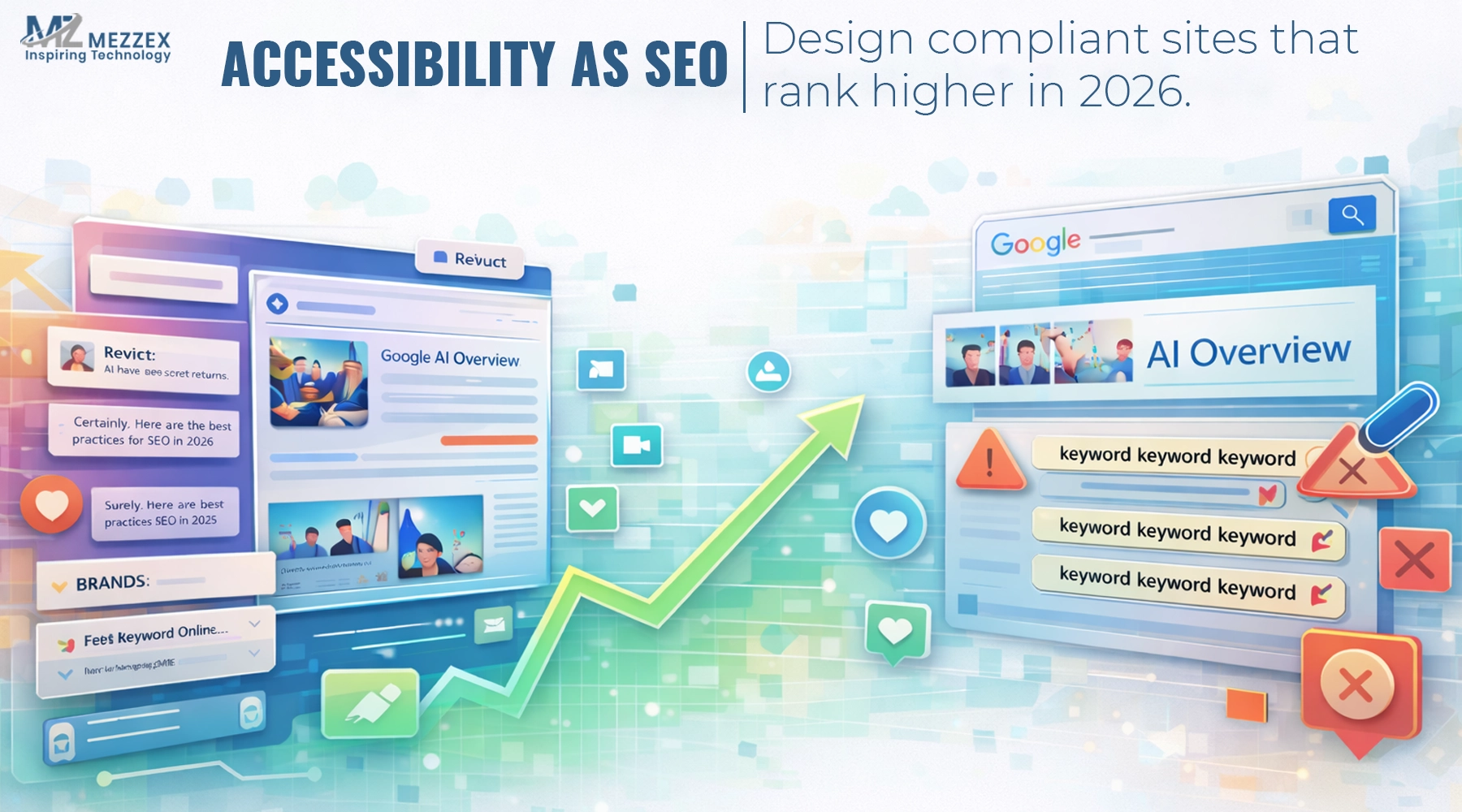
Search visibility in 2026 depends on more than keywords and backlinks. Pages perform when they load fast, communicate clearly, and work across every real user path—mouse, keyboard, mobile, and assistive tech. That is why accessibility SEO now sits inside modern optimisation, not beside it. WCAG compliance gives a practical framework for building and testing experiences through four principles: perceivable, operable, understandable, and robust. Here at Mezzex, accessibility becomes part of technical SEO + accessibility work and on-page SEO accessibility, because it improves structure, reduces friction, and supports scalable performance across templates.
What “accessibility as SEO” means in 2026
- Accessibility SEO means pages communicate purpose and structure without friction for people or search systems.
- Web accessibility SEO focuses on high-impact overlap areas: headings, links, forms, navigation patterns, and readable layouts.
- WCAG compliance provides the benchmark for accessible content and interaction, with testable success criteria across perceivable, operable, understandable, and robust principles.
- The commercial aim stays clear: fewer blockers in journeys that lead to calls, forms, bookings, and purchases.
Why accessibility lifts rankings (even without a single toggle)
Improve interpretability:
- Semantic HTML SEO gives search systems cleaner hierarchy signals and gives assistive tech a predictable page structure.
- A correct heading map reduces ambiguity, especially on long service pages with multiple sections.
Reduce user friction:
- Keyboard navigation SEO removes dead-ends in menus, pop-ups, and forms that cause drop-offs.
- Accessible forms reduce abandonment and support lead flow on service pages.
Strengthen engagement:
- Clear labels, predictable navigation, and readable layouts help users reach answers faster and reduce short visits.
Reduce technical debt:
- Component-level fixes roll out across templates, so optimisation scales instead of repeating page-by-page work.
The SEO-accessibility checklist (fix these first)
Structure and hierarchy (semantic HTML SEO)
- Use one clear H1, then build logical H2/H3 sections that match user intent.
- Use semantic layout elements for main content, navigation, and footer so structure stays obvious to assistive tools and crawlers.
- Keep the reading order predictable so keyboard navigation follows the same logic as visual scanning.
- Test the page with keyboard-only navigation; focus order should match the intended journey.
- Links that explain where they go
- Replace vague anchor text (“learn more”, “click here”) with descriptive link text that states the destination.
- Avoid repeating identical generic anchors that point to different URLs; it weakens navigation and internal signals.
- Align internal links to a simple path: service explanation → proof → next step/contact.
- Sanity-check links out of context; each link should still make sense on its own.
Images that support meaning (alt text SEO)
- Write alt text only when the image adds meaning; describe the image's purpose in the context of the page.
- Skip keyword stuffing in alt text; clarity supports accessibility and avoids spam signals.
- Mark decorative images as decorative so screen readers do not read clutter.
- Confirm the page still makes sense when images do not load.
Forms and conversion elements (on-page SEO accessibility)
- Ensure every input has a visible label that matches the field purpose; placeholders do not replace labels.
- Provide error messages that state what fails and how to fix it.
- Keep CTA button text specific (“Request an audit”, “Book a call”) so intent stays obvious.
- Complete the form using keyboard-only input to confirm the journey works end-to-end.
Navigation and interaction (keyboard navigation SEO)
- Ensure menus, accordions, and pop-ups work without a mouse.
- Keep focus visible at all times so users know where they are on the page.
- Avoid focus traps inside modals; confirm Escape closes overlays and focus returns to a sensible place.
- Test a full journey with Tab/Shift+Tab/Enter/Escape: top nav → section → CTA → form.
What this looks like on a real service page
- A user lands on an SEO service page from a search and scans headings to confirm relevance.
- Clear H2 sections improve fast scanning and reduce “back to Google” behaviour.
- A keyboard user needs to reach the CTA and form without getting stuck in menus or hidden components.
- A lead form needs labels and clear errors; otherwise, qualified visitors fail at the final step and leave.
- This is accessibility as SEO in practice: structure drives understanding, and usability protects conversions.
How Mezzex SEO works connects to accessibility
- Our SEO service includes on-page SEO, technical SEO, and a structured approach built around goal setting, keyword research, competitor analysis, technical audit, on-page optimisation, content creation, analytics, and refinement.
- A technical audit naturally expands into an accessibility audit when templates, navigation, and forms create friction.
- On-page optimisation already covers titles and content structure; on-page SEO accessibility strengthens that work through better headings, clearer links, and improved alt text SEO.
- Site speed optimisation often improves alongside accessibility clean-up when heavy UI patterns get simplified.
- Analytics and tracking confirm impact through fewer drop-offs and stronger completion on contact and lead flows.
How to run an accessibility audit without slowing delivery
Phase 1: Baseline audit (fast, high-signal)
- Run an accessibility audit across key templates: homepage, core services, blog template, and contact page.
- Add a WCAG audit lens for headings, labels, link clarity, focus order, and keyboard access.
- Perform website accessibility testing on real paths: navigation → service content → CTA → enquiry.
Phase 2: Fix high-impact issues first (80/20)
- Prioritise blockers that stop conversions: menu access, form labels, error handling, and focus traps.
- Standardise fixes at the component level so improvements apply across the site.
Phase 3: Build accessibility into ongoing content and SEO
- Add publishing rules for heading order, descriptive link text, and alt text SEO.
- Treat accessibility checks as part of on-page SEO accessibility, not a separate task that gets dropped.
Phase 4: Retest and maintain
- Retest templates after releases to prevent regressions.
- Keep accessibility aligned with ongoing SEO refinement as pages evolve.
What to avoid (so effort doesn’t get wasted)
- Rely on automated scanning alone; use manual checks for navigation and forms.
- Add alt text to decorative images; it creates noise and slows assistive navigation.
- Use headings for styling rather than structure; it breaks semantic HTML SEO.
- Leave keyboard behaviour until the end; keyboard navigation SEO works best when handled at the component level early.
- Treat WCAG compliance as a one-off project; ongoing content and template changes require ongoing checks.
Build accessible SEO with Mezzex
Start with an Accessibility + SEO Audit that checks templates, navigation, forms, headings, links, and content structure against WCAG compliance priorities. The audit produces a prioritised fix plan that ties directly to technical SEO + accessibility tasks and on-page SEO accessibility improvements. Next, implement changes at the component level so the whole website benefits, not a single page. To begin, use our contact page to book a call and request an Accessibility + SEO Audit, then set the timeline for fixes and reporting.